

As a teacher, you can delete students from a class if you already have a Xeropan Classroom account.
Log in to the Xeropan Classroom teacher interface: https://classroom.xeropan.com/users/login
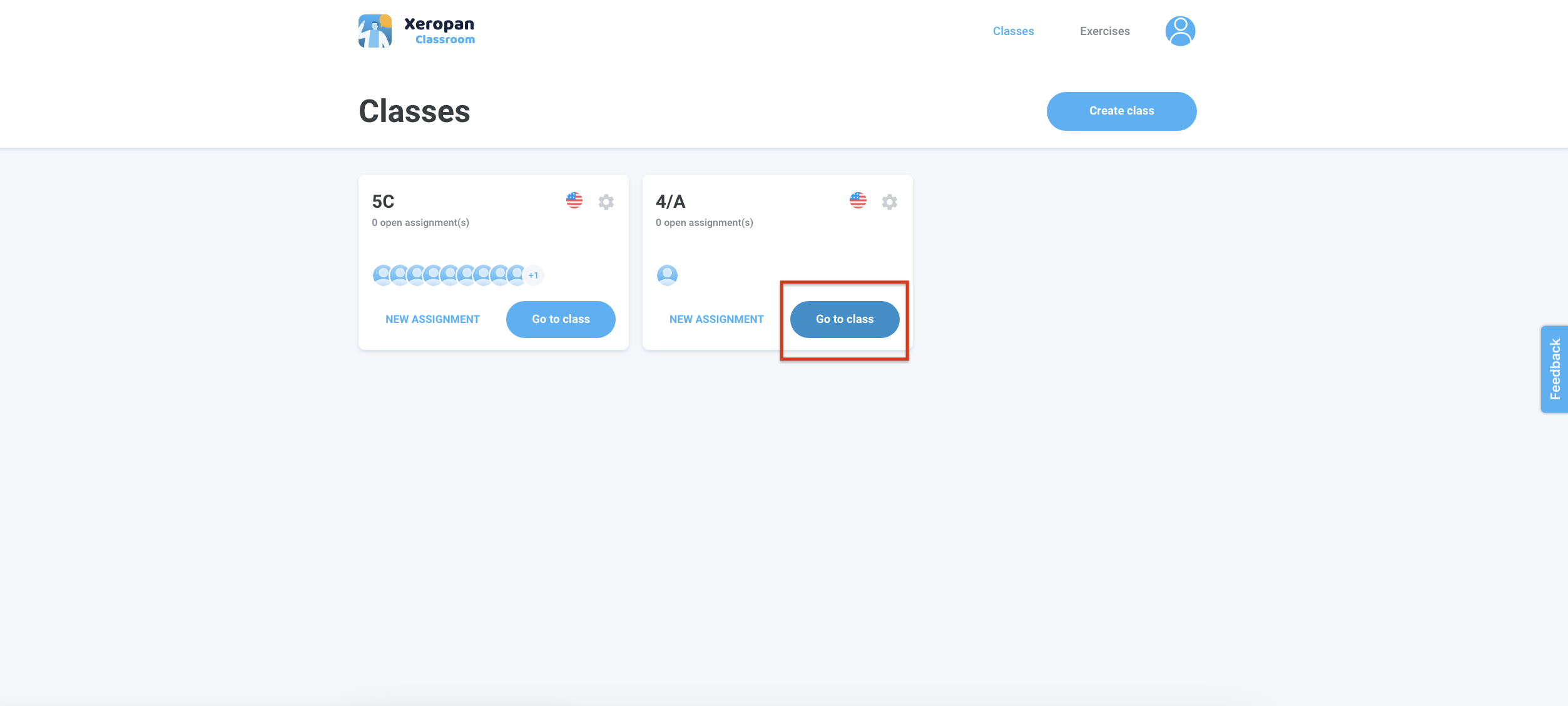
On the home screen, you will see your current classes.
Select the class from which you would like to remove students.
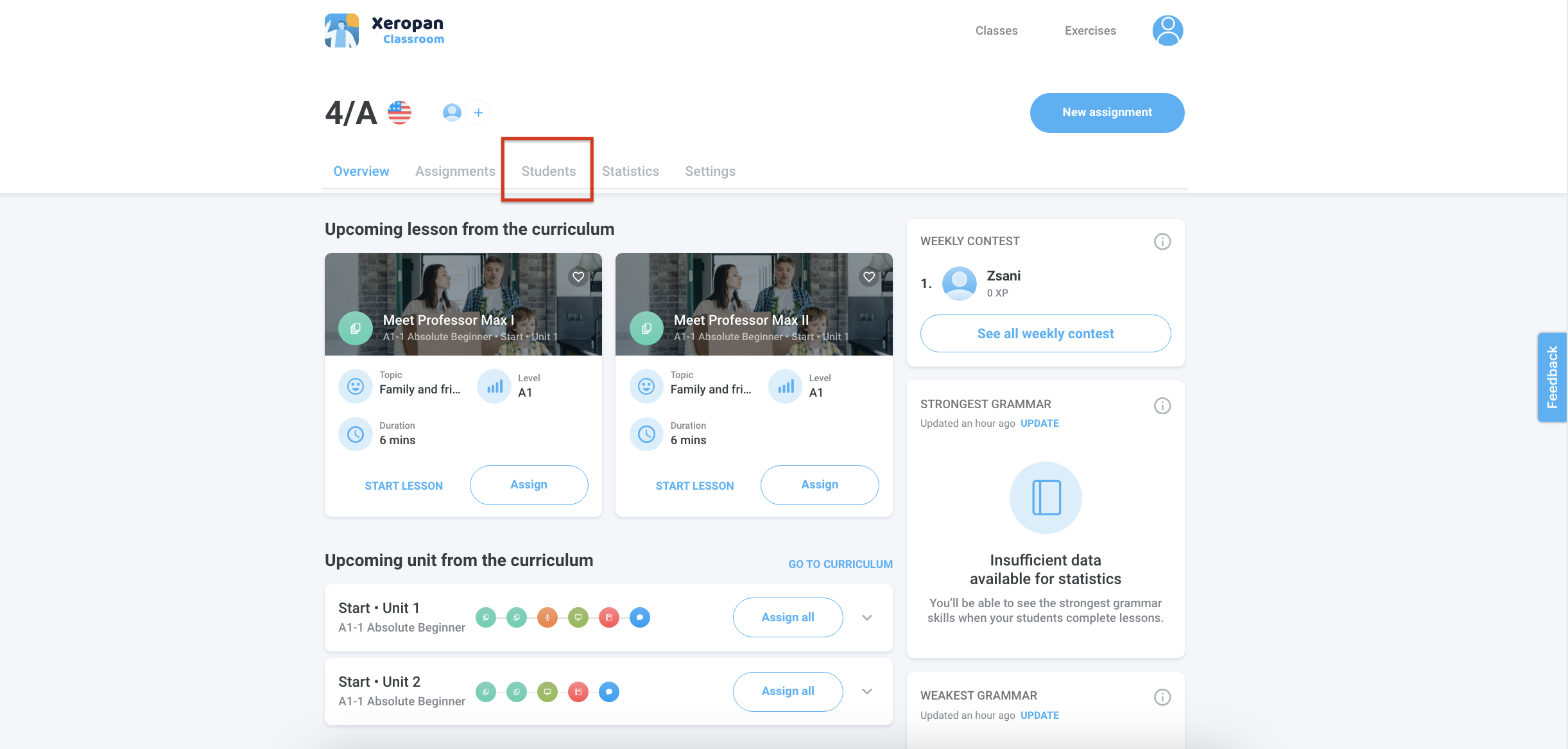
Click on the "Students" tab.
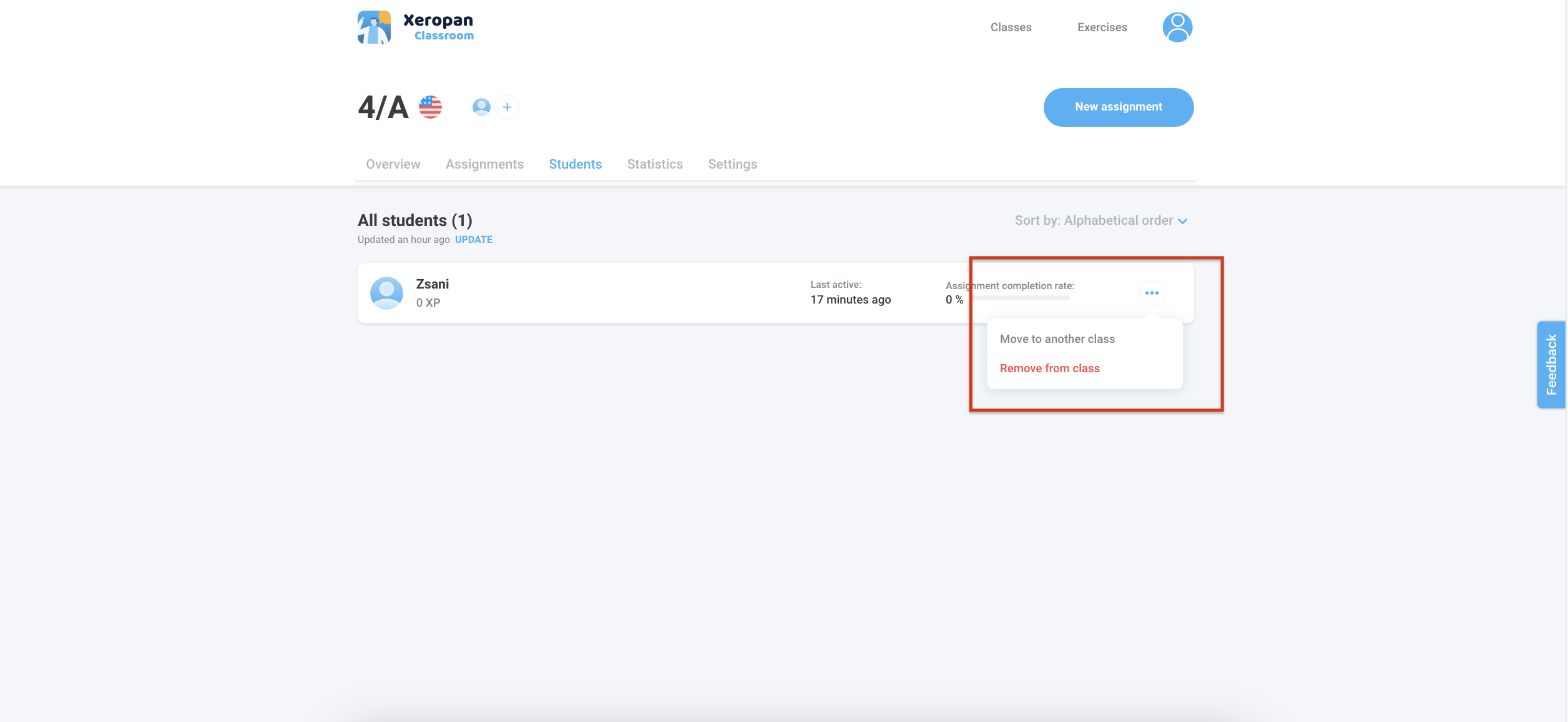
Select the students you want to remove and click the three dots and click the "Remove from class" button.
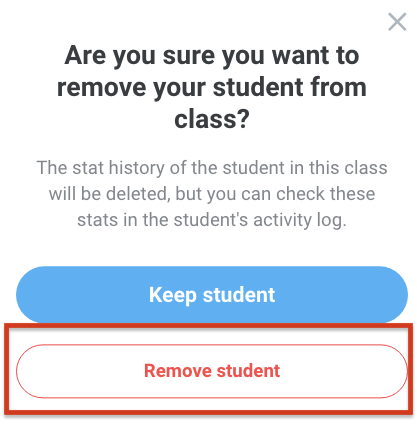
Click the ,,Remove student" button.
💡 Explore our teacher training playlist to discover all the tips and features for using Xeropan Classroom effectively in your lessons.
Need help? Please contact the Xeropan team at institutions@xeropan.com and provide your organization’s name, and a detailed description of your request so we can assist you.