

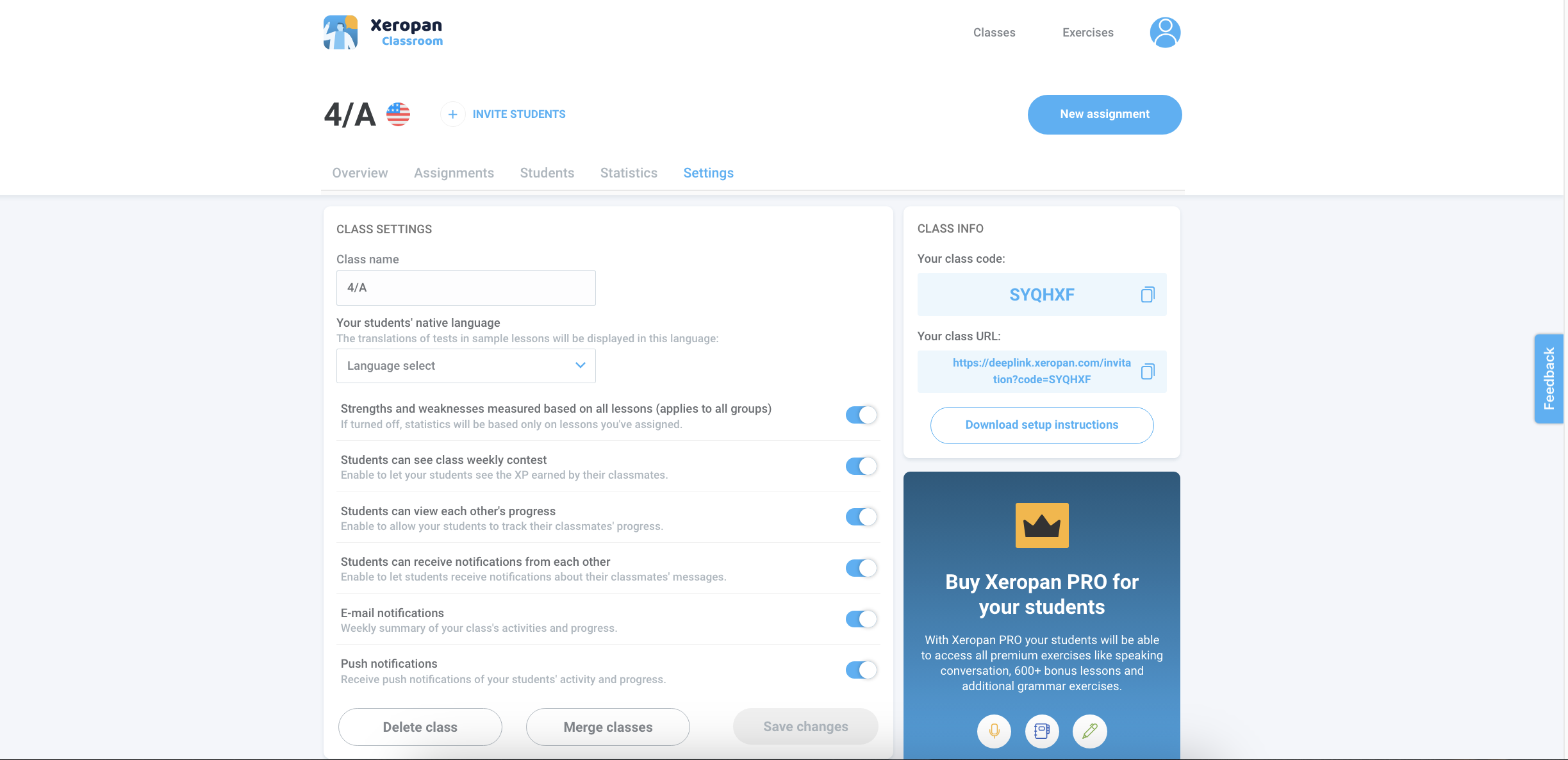
As a teacher, you can tailor your class, such as modifying the class name, changing the source language, deleting a class etc.
Log in to the Xeropan Classroom teacher interface: https://classroom.xeropan.com/users/login
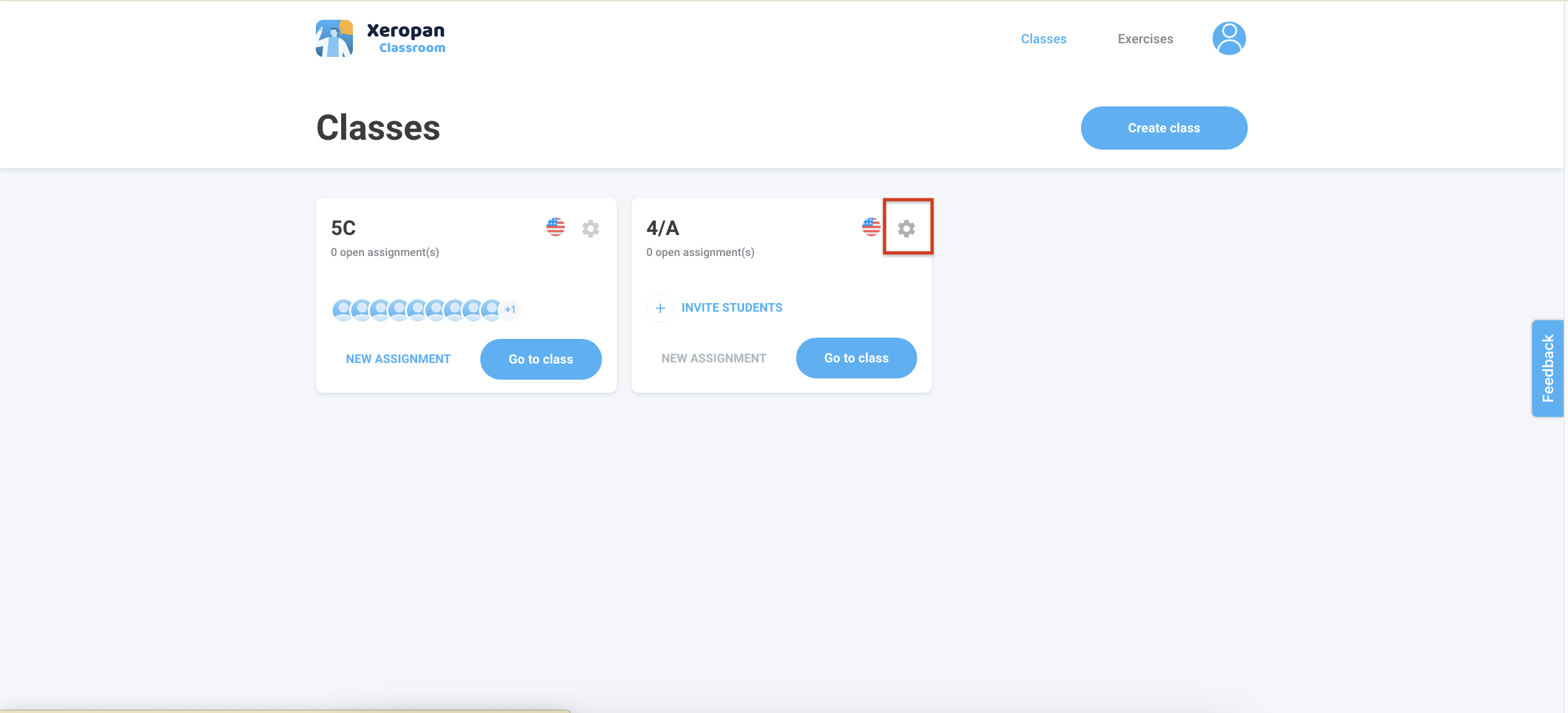
On the home screen, you will see your current classes.
Select the class that you would like to modify and click the ⚙️ icon in the top-right corner.
Complete the modification as you wish in this menu.
Happy teaching.
💡 Explore our teacher training playlist to discover all the tips and features for using Xeropan Classroom effectively in your lessons.
Need help? Please contact the Xeropan team at institutions@xeropan.com and provide your organization’s name, and a detailed description of your request so we can assist you.