

If you decide to continue your studies on mobile, laptop, or tablet, or if you’ve purchased a new phone, simply log in to the NEPTUN foreign language module on the new device. To do this, follow the steps outlined in this FAQ article.
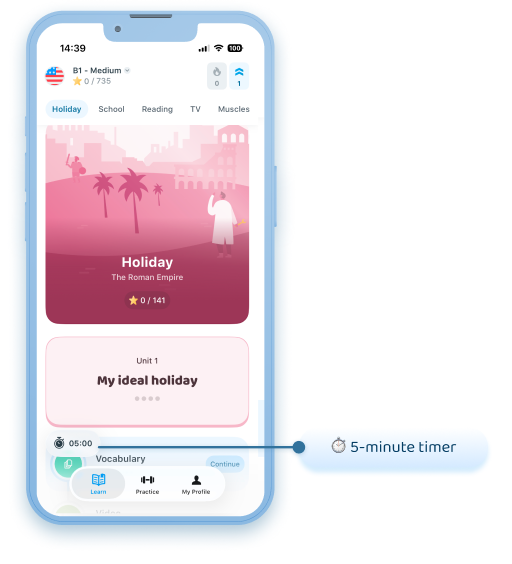
Note: If you encounter a 5-minute daily limit (see the 5-minute timer icon in the image), you are definitely not logged into the correct profile. In this case, please follow the steps described above to try logging into the correct account, or email us at neptun@xeropan.com and we’ll help you!
If you have any further questions, feel free to contact Xeropan’s customer service at neptun@xeropan.com!