The Xeropan for Kids module can be accessed just like any other module in the Xeropan app:
Via the app: Go to the ‘Learn’ tab → click the flag icon → select English as your target language, → choose the English for Kids module → select the source language/ your native language
Via the web: Languages (top-right corner, flag icon) → Language courses → English for Kids module → save
Adult supervision 👨👩👧
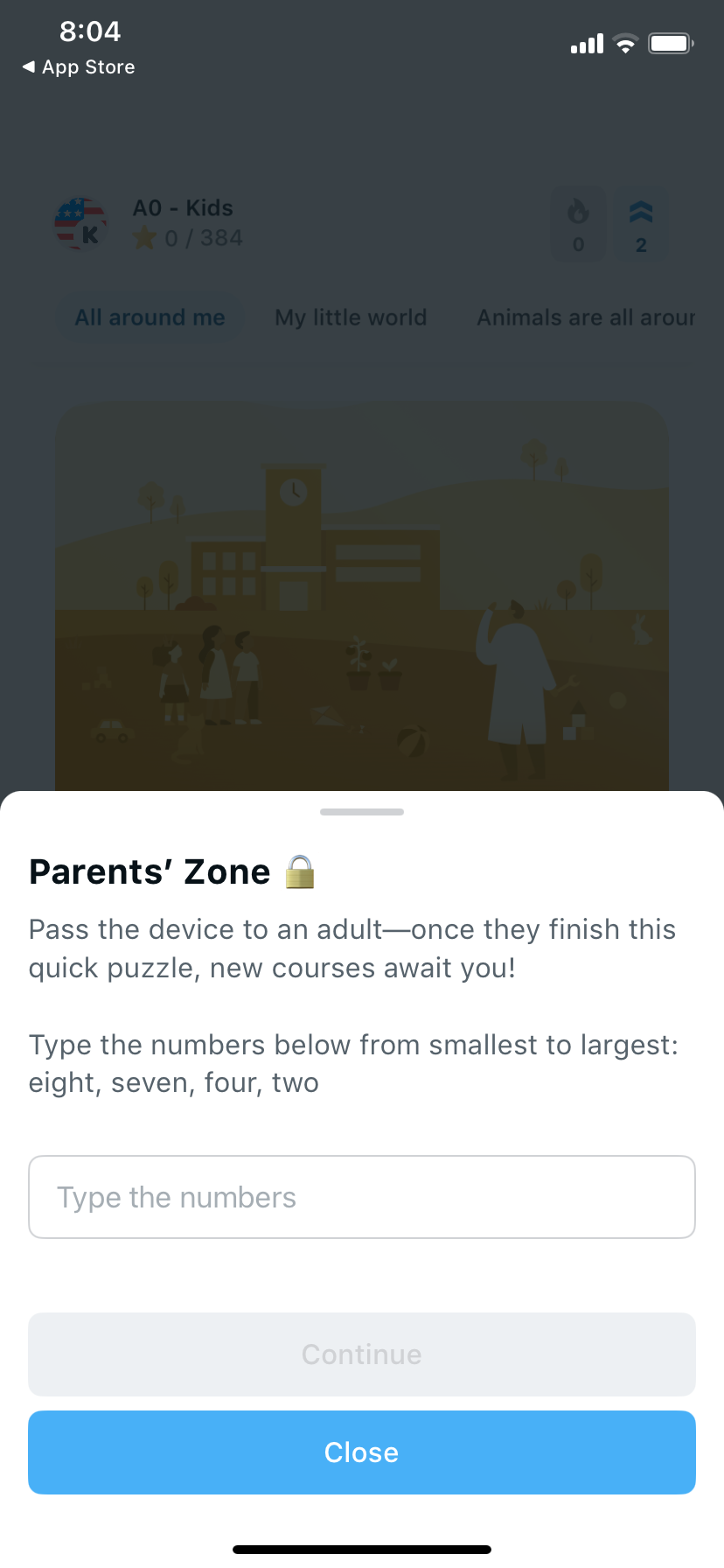
Some parts of the module on a child’s device can only be accessed through the parental/teacher zone. The parent/teacher must complete a simple task to unlock it, ensuring that children cannot make purchases by accident and that the content remains safe.
Want to learn more about the module?
Write to us at info.en@xeropan.com and tell us how you plan to use the module - as an educational institution, a teacher, or a parent - and we’ll be happy to help!
Ready to start learning a new language? Learn English, Spanish, French, German or Hungarian! Boost your career or studies with Business, IT, Legal, and 8 other specialized language courses!